

Key Takeaways
- Software updates replace or modify specific code files, not the entire operating system in most cases.
- A bootloader manages the update process and ensures the device can recover if something goes wrong.
- Checksums verify that downloaded update packages haven't been corrupted or tampered with.
- Firmware updates change the low-level instructions that control physical hardware components.
- Devices often write updates to a separate partition first, allowing rollback if the install fails.
Software Update
A software update is a package of new or modified code delivered to your device to replace or supplement what's already installed. It can fix bugs, close security vulnerabilities, improve performance, or add new features. When your device installs an update, it's methodically overwriting specific files and instructions that control how hardware and software behave.
Updates can target different layers of the software stack - from the bootloader and firmware at the lowest level, up through the operating system kernel and user-facing applications.
The Download Phase: More Than Just Copying a File
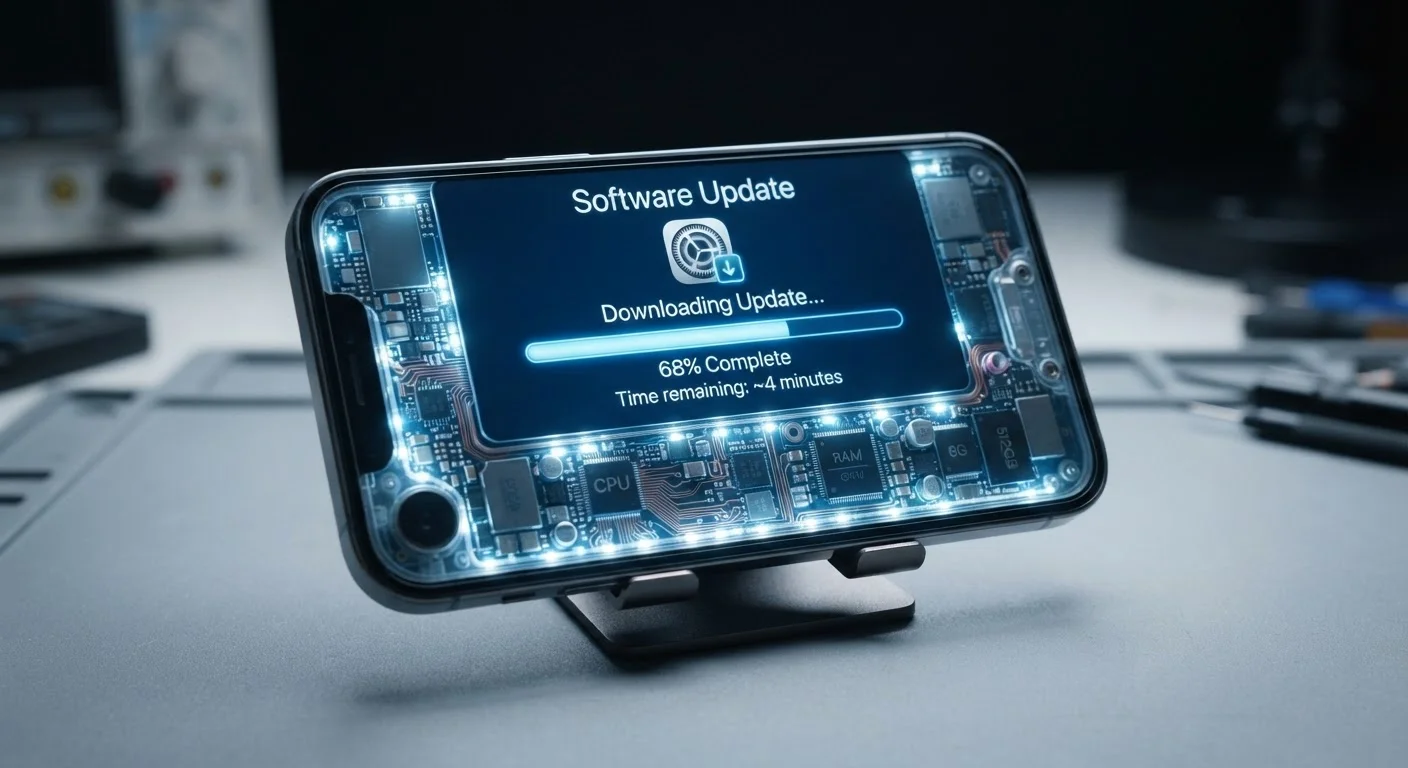
When your device notifies you that an update is available, the first thing it does is contact a remote server - typically operated by the device manufacturer or OS developer - to download an update package. This isn't simply a file transfer. The package is usually a compressed, signed bundle containing only the differences between your current software version and the new one, known as a delta update or incremental patch.
Alongside the update package, your device retrieves a cryptographic signature and a checksum - a mathematical fingerprint of the file. Once the download finishes, the device recalculates the checksum locally and compares it to the one provided by the server. If they don't match, the package is rejected. This step guards against corrupted downloads and tampered files.
~90%
Android updates delivered as delta patches
Google has reported that the majority of Android OS updates use delta (incremental) packages rather than full image downloads, significantly reducing download size.
A/B
Partition scheme used by most modern Android devices
Google mandated A/B (seamless) update support for Android devices launching with Android 11 or later, enabling background installs with fallback protection.
256-bit
Common key length for update signing encryption
Most major platforms use SHA-256 or stronger cryptographic hashing to verify update package integrity before installation begins.
The Bootloader's Role: Gatekeeper of the Update
Before any system files are touched, the device's bootloader takes center stage. The bootloader is a small, specialized program that runs before the operating system loads - think of it as the first set of instructions a device executes when powered on. During an update, the bootloader is responsible for verifying that the incoming package is genuine (using that cryptographic signature), then orchestrating where and how new code gets written to storage.
Many modern smartphones and computers use an A/B partition scheme, meaning the device's storage is divided into two slots. The currently running OS lives on Slot A; the update is written to Slot B. If the install succeeds, the bootloader flips the active slot to B on the next restart. If something goes wrong, it silently falls back to Slot A - the device keeps working. This is why your phone sometimes boots normally even after a botched update attempt.
To understand the broader hardware environment this all runs on, see our overview of what's inside your smartphone.
Keep Your Device Charged Before Updating
Most devices require a minimum battery level - commonly 50% or higher - before beginning a major update. A power loss mid-install can interrupt the write process before the new partition is fully verified. Plugging in during large updates removes this risk entirely.
Writing New Code: What Actually Changes on the Device
Once the bootloader authorizes the update, the installer begins rewriting specific partitions in the device's flash storage. For a typical OS update, this means replacing the system partition - which holds the operating system files - while leaving the data partition (where your photos, apps, and settings live) untouched.
For a firmware update, the process goes deeper. Firmware is the permanent software embedded within hardware components - the display driver chip, the Wi-Fi radio, the battery controller. Each of these can carry its own firmware, and an update may rewrite the instructions stored directly on those chips. This is why firmware updates carry slightly more risk: unlike OS files, firmware code runs at a level where mistakes can affect hardware operation in ways that are difficult to reverse.
The fundamentals of how operating systems work help explain why the system partition is kept separate from user data - it's a deliberate design choice for both safety and flexibility.
Not All Updates Reach Your Device the Same Way
Smartphones on carrier networks often receive OS updates later than unlocked or direct-from-manufacturer devices. Carriers may review and modify update packages before releasing them to subscribers. This is why two phones with identical hardware can run different software versions depending on where they were purchased.
The Restart and Verification: Completing the Handoff
After writing is complete, the device restarts. During boot, the bootloader checks that the newly written partition is intact - running another verification pass against the cryptographic signature. If everything checks out, the OS loads from the updated partition and normal operation resumes. The first boot after an update is often slightly slower because the device may be optimizing new code for its specific hardware, a process sometimes called ahead-of-time compilation or app optimization.
Some updates also trigger a brief calibration pass for system components - adjusting performance profiles, reconfiguring power management settings, or updating security certificates. From the outside, this looks like the device is doing nothing; internally, it's reconciling new code with the existing hardware environment.
Understanding why these updates matter in the first place is covered in our explanation of why software updates exist.