

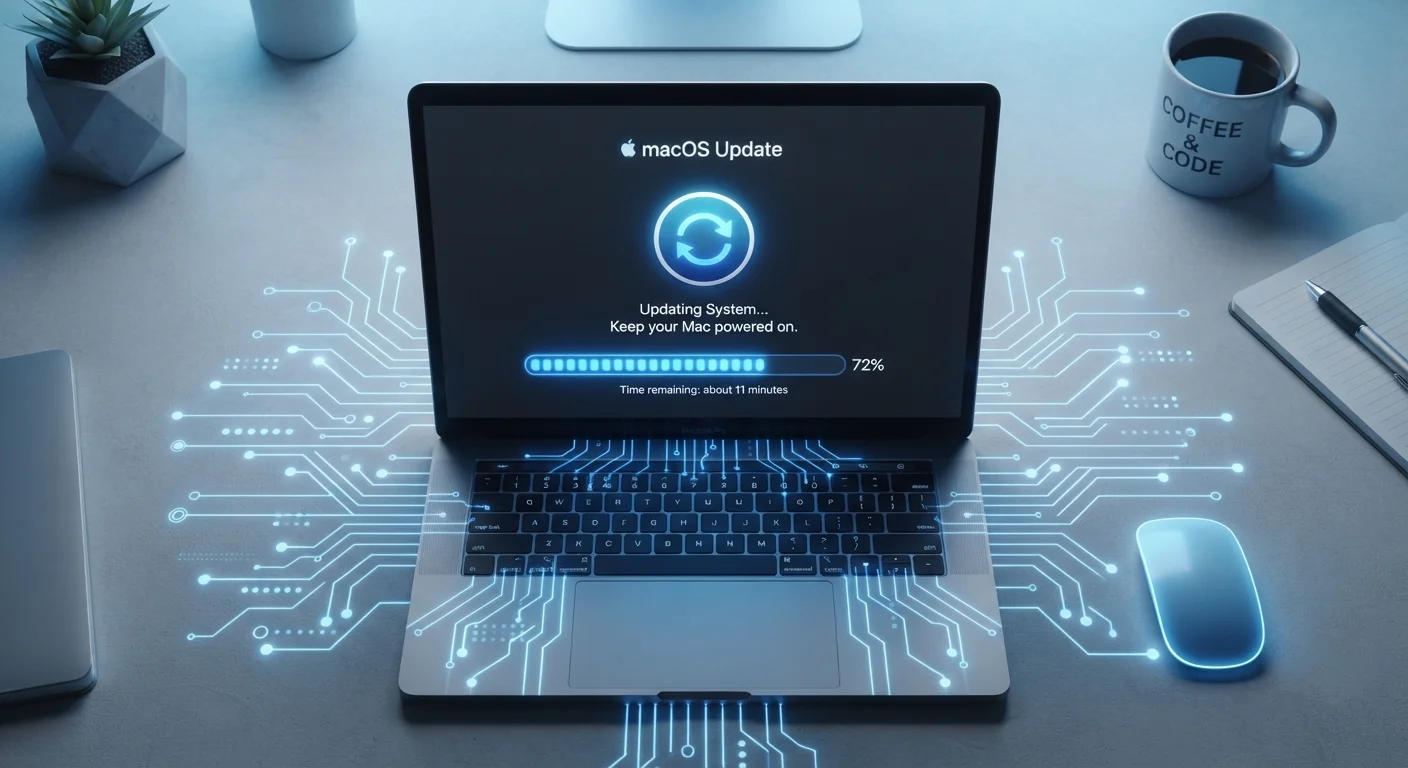
Key Takeaways
- Software updates serve several distinct purposes: security patching, bug fixing, and feature delivery.
- Security patches close known vulnerabilities that attackers actively exploit after they become public.
- Skipping updates leaves devices exposed to risks that have already been documented and weaponized.
- Performance and stability improvements are a common but underappreciated benefit of regular updates.
- Most updates take only a few minutes and require little effort from the user.
Software Update
A software update is a package of changes delivered by a developer to modify how a program or operating system behaves. Updates can fix security flaws, correct bugs, improve performance, or introduce new features. They apply to everything from your phone's operating system to the apps you use daily.
Updates are distributed as delta patches (only changed files) or full replacement builds, depending on the software architecture and update size.
Not Just New Features: The Three Jobs of an Update
Many people associate software updates with new features - a redesigned settings menu, a fresh emoji set, a different layout. In reality, most updates contain little or nothing visible to the user. They fall into three functional categories:
- Security patches close specific vulnerabilities - coding flaws that could allow unauthorized access to your device or data.
- Bug fixes correct errors in existing behavior: crashes, freezes, incorrect calculations, display glitches.
- Feature and compatibility updates add new capabilities or ensure the software works correctly with new hardware, file formats, or connected services.
Most releases combine all three. A routine monthly update from a major OS vendor might patch eight security flaws, fix a Bluetooth connectivity bug, and add one new accessibility setting - and only that last item makes it into marketing materials.
Major vs. Minor Updates: A Quick Distinction
Version numbers help signal the scope of an update. A change from version 14.1 to 14.1.1 typically indicates a small patch - targeted fixes with minimal change to the overall experience. A jump from version 14 to version 15 signals a major release with broader changes. Security patches can appear in either category, so version size alone doesn't indicate importance.
How Security Vulnerabilities Work - and Why Timing Matters
A vulnerability is a flaw in code that can be exploited to make software behave in unintended ways. When a developer discovers one - through internal testing, external researchers, or incident reports - they write a patch and release it. At that moment, something important happens: the vulnerability becomes public knowledge.
Security disclosures are published in standardized databases so that defenders (IT teams, system administrators) can understand the risk. But attackers read the same disclosures. The window between a patch being released and a user installing it is exactly when that device is most exposed. This is why security professionals refer to the period after a patch release as a critical window for updating.
For a deeper look at what your device is actually doing during this process, see what happens inside a device during a software update.
60%
Of breaches involve unpatched vulnerabilities
Industry security research consistently finds that a large share of successful cyberattacks exploit known flaws for which patches were already available.
~14 days
Average time attackers begin exploiting new vulnerabilities
Security researchers have observed that active exploitation of newly disclosed vulnerabilities often begins within two weeks of public disclosure.
What Skipping Updates Actually Costs You
Deferring updates feels low-stakes in the moment. The consequences tend to be invisible - right up until they aren't. Here's what accumulates when updates are skipped consistently:
- Stacked vulnerabilities. Each missed security patch leaves a flaw open. Over months, a device may carry dozens of known, unpatched weaknesses.
- Compounding instability. Bug fixes build on each other. Skipping several cycles means later updates assume corrections that were never applied, occasionally causing new problems on outdated systems.
- Compatibility drift. Apps and services update their own requirements. An unpatched OS may eventually lose compatibility with banking apps, streaming services, or cloud storage tools.
The pattern closely resembles what happens when routine physical maintenance is skipped. Just as neglecting small mechanical issues in a vehicle leads to larger failures, deferred software upkeep compounds. Overlooked maintenance tasks in any system - digital or mechanical - tend to become expensive problems quietly.
Prioritize Security Patches Over Feature Updates
If you're selective about which updates to install, always prioritize those labeled as security or critical patches. Feature releases can often wait; security fixes are time-sensitive because vulnerability details become public at release. Most platforms label these clearly in update notes.
How to Update Without Disruption
The practical friction of updates - restarting at inconvenient times, interrupted work - is the main reason people delay them. A few habits reduce that friction significantly:
- Enable automatic updates for security patches specifically. Most operating systems allow you to auto-apply security fixes while deferring feature updates.
- Schedule restarts. On Windows and macOS, you can set active hours so restarts happen overnight rather than mid-task.
- Check update size before a trip or important event. Large updates download in the background; you only need to account for the restart window.
Software maintenance and physical device health are related. If your device already struggles with slowdowns, understanding what's driving that behavior helps you make better decisions about updates. See what's really happening inside your hardware for context on how aging hardware and software interact.