

Key Takeaways
- 120Hz screens redraw the image twice as often as 60Hz, cutting the time between updates from ~16.7 ms to ~8.3 ms.
- The human visual system is highly sensitive to motion blur and judder, which is why smoother refresh rates feel immediately noticeable.
- Higher refresh rates typically consume more power, which is why many devices use adaptive refresh technology to balance quality and battery life.
- Gaming and touch scrolling benefit most from higher refresh rates; static content like reading shows little to no difference.
- The graphics processor must keep up with the display - a 120Hz screen driven by a slow chip may not feel smoother in practice.
Screen Refresh Rate
Refresh rate is how many times per second a display redraws the image shown on screen, measured in hertz (Hz). A 60Hz screen updates 60 times every second; a 120Hz screen updates 120 times. More updates per second means motion - scrolling, animations, video - looks smoother and more continuous to the human eye.
Refresh rate is distinct from frame rate: refresh rate describes the display hardware's capability, while frame rate describes how many frames the graphics processor actually delivers. Both must be high for the benefit to be fully realized.
What Actually Happens Between Each Refresh
Think of a display like a flipbook. A 60Hz screen shows 60 individual still frames every second; a 120Hz screen shows 120. Between each frame, the screen is technically showing stale information. The shorter that gap, the less time your eye spends looking at an image that no longer represents where the content actually is - especially when you're scrolling or something on screen is moving.
At 60Hz, each frame lasts approximately 16.7 milliseconds. At 120Hz, that drops to 8.3 milliseconds. That 8-millisecond difference sounds negligible in everyday terms, but the human visual system is remarkably good at detecting inconsistencies in motion. The result is what most people describe as a screen that feels "smoother" or even "more real."
This is closely connected to motion blur - a perceptual artifact that occurs when a moving object crosses multiple pixel positions during a single frame. Doubling the refresh rate roughly halves the window during which blur accumulates, producing noticeably crisper edges on moving content.
Why Touch Scrolling Is the Most Obvious Test
When you drag a finger across a 60Hz touchscreen, there's an inherent lag between where your finger is and where the content appears. This isn't a processing speed issue - it's a display timing issue. The screen simply can't show an update faster than its refresh interval allows.
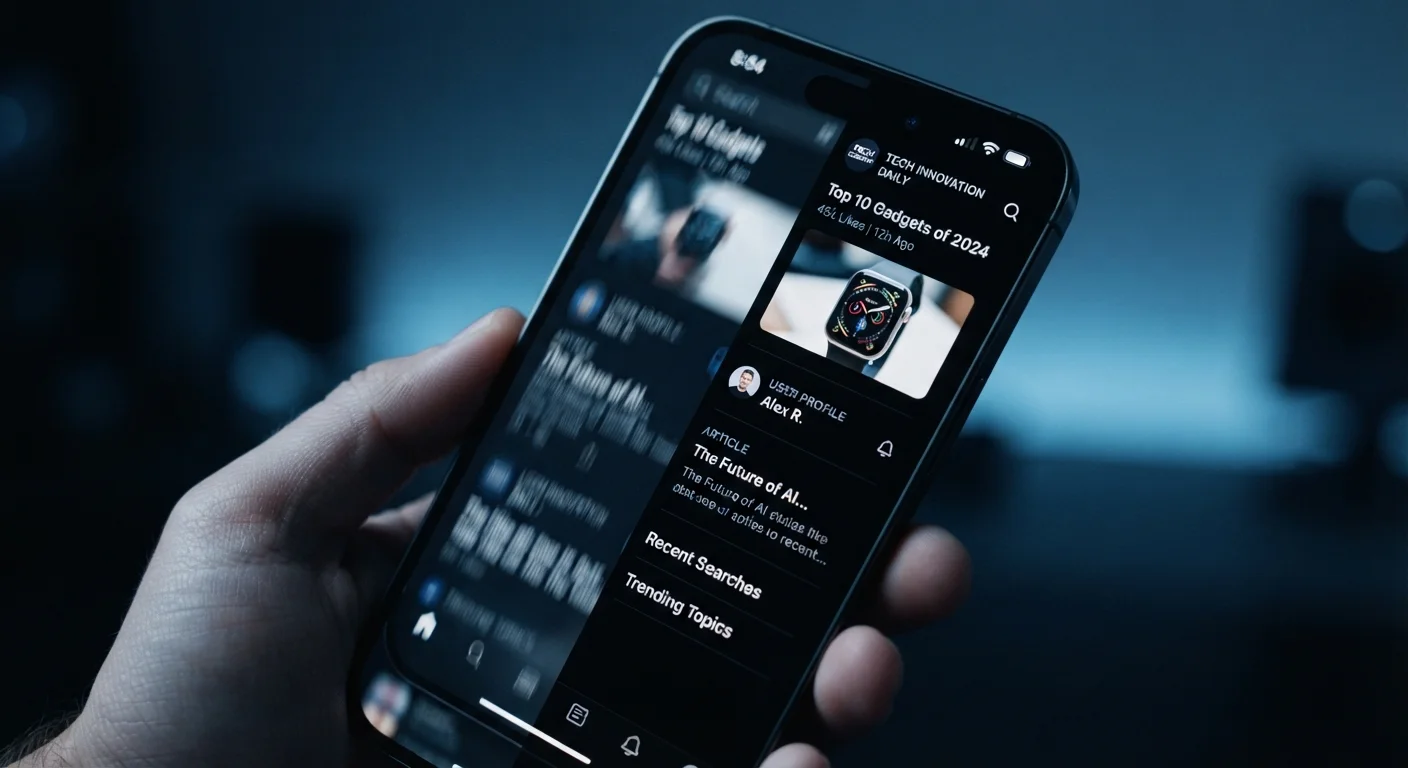
On a 120Hz display, that lag is cut in half. The interface tracks your finger more faithfully, which the brain interprets as a screen that feels physically responsive - almost like touching real paper rather than glass over pixels. This is why the upgrade tends to feel more dramatic on phones than on large monitors: handheld touch interaction amplifies the perceptual benefit.
Test It Yourself Before Deciding
The smoothness difference between 60Hz and 120Hz is most convincing when experienced side-by-side in person. If possible, compare the same scrolling action on both display types before drawing conclusions - the effect is often more pronounced than written descriptions suggest, but less important than marketing copy implies.
For a deeper look at how display panel technology interacts with refresh rate, see our explainer on OLED vs. LCD screen differences.
The Trade-Offs: Power, Processing, and Perception
Higher refresh rates aren't free. The display controller must push data to every pixel twice as often, and the graphics processor must render frames quickly enough to take advantage of the extra headroom. If the chip inside the device can't consistently produce 120 frames per second - which is common in demanding apps or games on mid-range hardware - the high-refresh display may spend much of its time showing repeated frames rather than new ones.
8.3 ms
Time between frames at 120Hz
Compared to 16.7 ms at 60Hz - cutting frame latency in half reduces motion blur and touch-lag perception.
2×
Increase in display update cycles
A 120Hz display performs twice as many screen redraws per second as a 60Hz panel, requiring proportionally more display controller work.
This is why adaptive refresh rate technology has become standard on many devices. Rather than running at a fixed rate, the display scales dynamically - dropping to conserve power during static tasks and ramping up when motion demands it. The practical result is that users get the smoothness benefit when it matters without a proportional hit to battery life all day long.
The impact of refresh rate varies significantly by device type. A gaming monitor benefits enormously from 144Hz or higher. A tablet used mainly for reading e-books may see little real-world gain beyond 60Hz.
When the Difference Is - and Isn't - Worth It
Understanding the engineering helps clarify when a higher refresh rate genuinely improves your experience:
- Scrolling social media or news feeds: The benefit is immediate and consistent. Text and images stay sharp as you swipe.
- Mobile gaming: Smoother input response can meaningfully affect how a game feels to control, particularly in fast-paced genres.
- Watching streamed video: Minimal perceptible difference, since most content is authored at 24-30 fps.
- Reading static documents or e-books: No meaningful advantage. Screen technology choices like panel type matter more here - see our comparison of e-ink vs. LCD tablets for reading.
Refresh Rate and Frame Rate Are Not the Same
Refresh rate describes how often the display can redraw its image; frame rate describes how many new frames the processor actually produces. For the full benefit of a 120Hz screen, the device's chip needs to sustain output close to 120 fps in the task at hand. In many real-world scenarios - especially demanding apps - the two numbers diverge considerably.
The processor inside a device sets a ceiling on how useful a high-refresh display can be. For more context on how chip capabilities affect real-world feel, see our piece on processor specs that actually affect device performance.