

Key Takeaways
- Convertible laptops add hinge mechanisms and touchscreens that increase weight compared to clamshell equivalents.
- Keyboard depth and travel are typically shallower on convertibles due to thinner chassis constraints.
- Thermal performance can suffer because the folded-back keyboard blocks airflow in tablet mode.
- The 2-in-1 form factor genuinely suits stylus-heavy workflows and presentation scenarios.
- Most users default to laptop mode; evaluate how often you'd realistically use the other modes.
Stylus input enables natural annotation and sketching
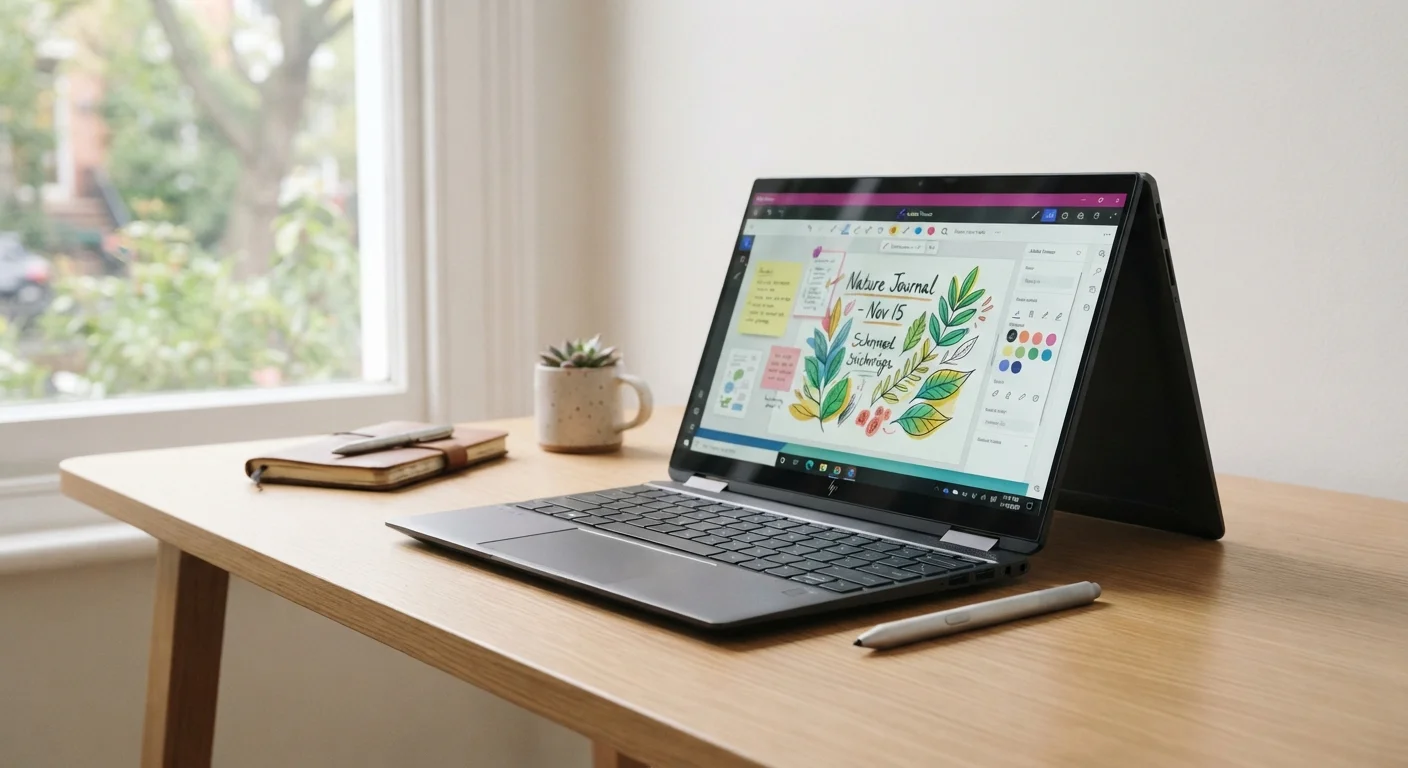
Active stylus support on most fold-back convertibles allows pressure-sensitive drawing and handwriting, which is useful for designers, students, and anyone who annotates documents regularly.
Multiple orientations reduce the need for a separate tablet
Tent, easel, and tablet modes consolidate what would otherwise require two devices, which can reduce overall carry weight for users who genuinely use both form factors.
Touchscreen navigation suits certain workflows well
Scrolling, pinch-to-zoom, and touch-based interactions feel intuitive for reading, browsing, and media consumption, particularly on high-resolution displays.
Tent mode is practical for presentations and shared viewing
Folding the display into tent or easel orientation makes the screen accessible to multiple viewers without the keyboard obstructing the table surface.
Heavier than comparable clamshell laptops
The reinforced hinge assembly, digitizer layer, and additional structural bracing add measurable weight - often 0.3 to 0.7 lbs more than a clamshell with similar internals.
Keyboard travel is typically shallower
To keep the chassis thin enough to function as a tablet, key travel is often reduced to 1-1.2mm versus 1.5mm or more on purpose-built laptops, which affects typing feedback and fatigue during long sessions.
Thermal throttling risk in tablet and tent modes
Folding the keyboard underneath can obstruct bottom-mounted vents, causing the processor to reduce speed to manage heat - a real concern for sustained CPU-intensive tasks.
Premium price for flexibility many users underutilize
Convertibles typically cost more than clamshells with equivalent processors and RAM; that premium buys the hinge mechanism and touchscreen even if those features go largely unused.
Hinge durability is a long-term unknown
A 360-degree hinge undergoes significantly more mechanical stress than a standard laptop hinge; over years of daily rotation, wear and loosening can affect screen stability.
Our Verdict
Convertible laptops deliver real versatility for users whose workflow genuinely spans multiple modes - drawing, annotating, presenting, or reading. But that flexibility has a measurable cost in weight, keyboard feel, and sustained performance under load. For users who stay in laptop mode the vast majority of the time, a traditional clamshell typically offers better ergonomics and thermal headroom for the same price.
Best suited to students, creative professionals, and frequent presenters who actively rotate between touch, stylus, and keyboard use throughout a typical day.
What Makes a Laptop 'Convertible'
A convertible laptop - often called a 2-in-1 - is a portable computer with a hinge mechanism that allows the display to rotate or detach, enabling use as a conventional laptop, a flat tablet, a tent for presentations, or an easel-style stand. There are two primary architectures: fold-back designs, where the screen rotates a full 360 degrees on a reinforced hinge, and detachable designs, where the keyboard separates from the display entirely.
This mechanical flexibility is the device's core selling point, but it also drives most of the engineering compromises that follow. For a broader look at how this form factor sits alongside clamshells and ultrabooks, see our breakdown of laptop form factors.
The Advantages Worth Knowing
Convertibles offer genuine benefits when the use case fits the form factor.
Stylus input enables natural annotation and sketching
Active stylus support on most fold-back convertibles allows pressure-sensitive drawing and handwriting, which is useful for designers, students, and anyone who annotates documents regularly.
Multiple orientations reduce the need for a separate tablet
Tent, easel, and tablet modes consolidate what would otherwise require two devices, which can reduce overall carry weight for users who genuinely use both form factors.
Touchscreen navigation suits certain workflows well
Scrolling, pinch-to-zoom, and touch-based interactions feel intuitive for reading, browsing, and media consumption, particularly on high-resolution displays.
Tent mode is practical for presentations and shared viewing
Folding the display into tent or easel orientation makes the screen accessible to multiple viewers without the keyboard obstructing the table surface.
The touchscreen-and-stylus combination is particularly strong for annotating documents, sketching diagrams, or signing forms - tasks that feel awkward with a trackpad. In tent or easel mode, the screen faces an audience without the keyboard getting in the way, which suits presentations and side-by-side collaboration. For users who also consume media or read long-form content regularly, display comfort considerations become relevant when choosing the right screen type for your convertible.
The Compromises You Should Expect
Understanding the limitations upfront prevents buyer's remorse.
Heavier than comparable clamshell laptops
The reinforced hinge assembly, digitizer layer, and additional structural bracing add measurable weight - often 0.3 to 0.7 lbs more than a clamshell with similar internals.
Keyboard travel is typically shallower
To keep the chassis thin enough to function as a tablet, key travel is often reduced to 1-1.2mm versus 1.5mm or more on purpose-built laptops, which affects typing feedback and fatigue during long sessions.
Thermal throttling risk in tablet and tent modes
Folding the keyboard underneath can obstruct bottom-mounted vents, causing the processor to reduce speed to manage heat - a real concern for sustained CPU-intensive tasks.
Premium price for flexibility many users underutilize
Convertibles typically cost more than clamshells with equivalent processors and RAM; that premium buys the hinge mechanism and touchscreen even if those features go largely unused.
Hinge durability is a long-term unknown
A 360-degree hinge undergoes significantly more mechanical stress than a standard laptop hinge; over years of daily rotation, wear and loosening can affect screen stability.
~0.5 lbs
Typical added weight over comparable clamshell
Engineering analyses of same-tier convertible and clamshell designs consistently show the hinge, digitizer, and structural additions contribute roughly 0.3-0.7 lbs of additional mass.
1.0-1.2mm
Typical key travel on convertible keyboards
Keyboard spec sheets for thin convertibles commonly list travel between 1.0 and 1.2mm, compared to 1.5mm or more on thicker clamshell designs optimized for typing.
The weight and thickness penalties are structural rather than accidental - the reinforced 360-degree hinge, the touchscreen digitizer layer, and the additional display glass all add material. Chassis engineers must also leave room for the stylus silo on some models, further constraining internal component layout.
Thermal management is a less obvious but significant issue. In tablet mode, the keyboard folds underneath the chassis and can block bottom-mounted intake vents. This forces the processor to throttle - reduce its clock speed - to prevent overheating during sustained tasks like video export or running virtual machines. If sustained computing performance matters to your workflow, understanding where laptop and tablet hardware boundaries actually sit can help clarify what architecture is the better fit.
Matching the Form Factor to Your Actual Workflow
The most important question to ask is not whether a convertible can do something, but how frequently you would realistically use each mode. Market research consistently finds that most convertible owners spend the majority of their time in standard laptop mode. If that describes you, you're carrying the weight and cost premium of the hinge and touchscreen with limited payoff.
Detachables vs. Fold-Back Convertibles
Detachable 2-in-1s - where the keyboard clips on rather than folds - avoid the thermal problem in tablet mode because the keyboard is simply removed. However, they often carry different trade-offs: the keyboard connection can feel less stable on a lap, and the base unit must store battery and processors in the display half, sometimes affecting balance and heat distribution. The right architecture depends on whether you prioritize true tablet independence or lap stability in laptop mode.
A structured way to evaluate fit: track your computing sessions for one week and note what percentage involve drawing, annotating, touch navigation, or presenting. If that share is less than roughly 20%, the flexibility a convertible offers may not justify its trade-offs relative to a traditional clamshell at the same price point. Conversely, if you regularly annotate PDFs, sketch interface wireframes, or teach in front of a class, the multi-mode capability is likely to see daily use.