

Key Takeaways
- Wi-Fi is convenient and cable-free but can be slowed by distance, walls, and interference.
- Ethernet delivers a more stable, lower-latency connection by eliminating wireless variables.
- Mobile data lets you get online anywhere with cellular coverage, independent of a local router.
- Actual speeds depend on your internet plan, network congestion, and hardware quality - not just connection type.
- Most devices can seamlessly switch between these connection types depending on availability.
Internet Connection Types
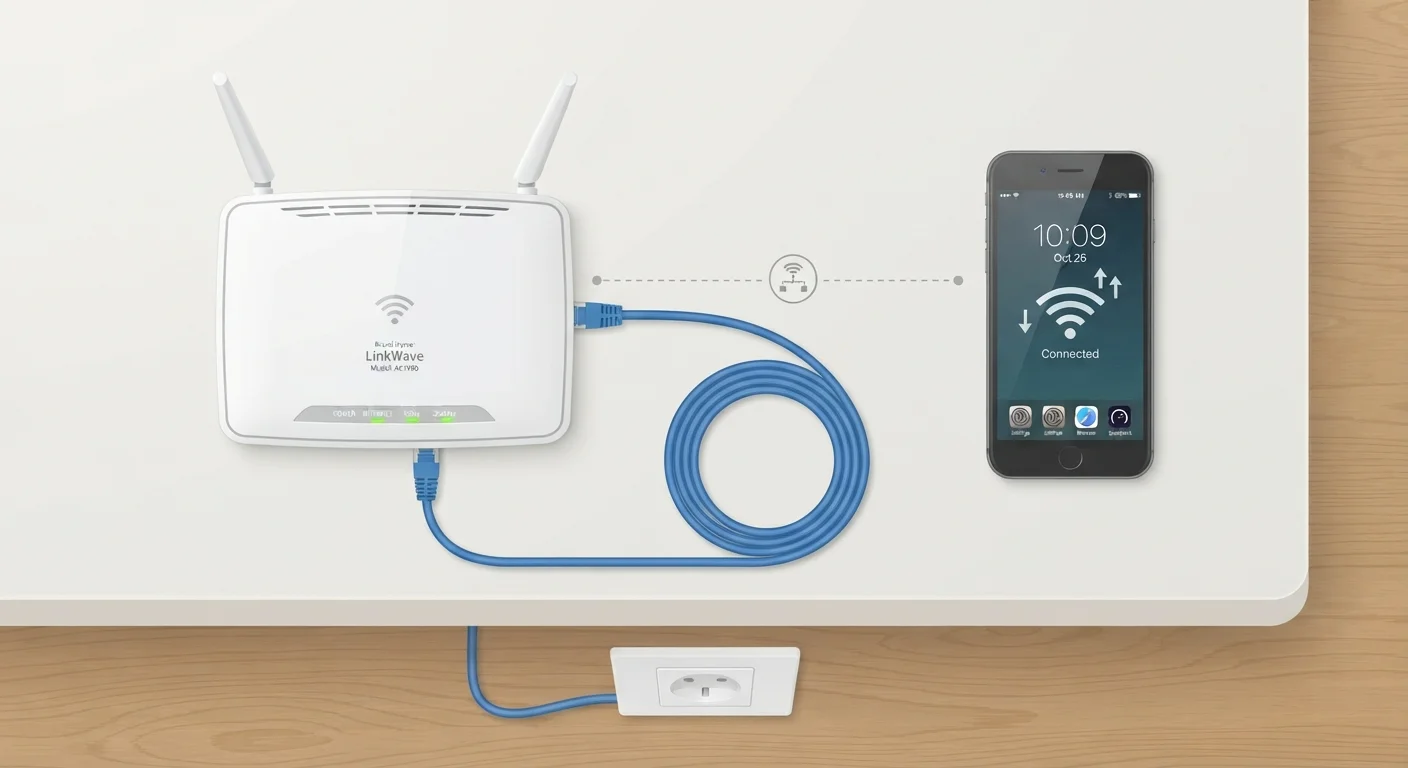
Wi-Fi, Ethernet, and mobile data are three different pathways that carry internet traffic between your device and the wider internet. Wi-Fi transmits data wirelessly over radio waves from a nearby router. Ethernet uses a physical cable for a direct, wired connection. Mobile data routes traffic through a cellular carrier's network of towers - no router or cable required.
All three ultimately connect to the same internet backbone; they differ in the 'last mile' technology - the physical or wireless medium between your device and the network infrastructure.
The Three Paths to the Internet
Every time you load a webpage, send an email, or stream a video, data travels from a server somewhere in the world to your device - and back again. The route it takes for that final stretch depends on which connection type your device is using.
Understanding the basic differences between Wi-Fi, Ethernet, and mobile data helps you make smarter choices about reliability, speed, and when to use each. For a broader grounding in the vocabulary around these concepts, see our plain-English tech glossary.
~5 GHz
Frequency band used by modern Wi-Fi for faster speeds
The 5 GHz band offers higher throughput than 2.4 GHz but covers a shorter range - a core Wi-Fi engineering trade-off.
1-10 Gbps
Theoretical maximum speed of modern Ethernet cables
Cat6 and Cat6a cables support speeds up to 10 Gbps over short distances, far exceeding most home internet plan speeds.
~1 ms
Target latency for 5G mobile networks
5G specifications aim for ultra-low latency around 1 millisecond under ideal conditions, according to the 3GPP standards body.
Wi-Fi: Wireless Convenience, Radio-Wave Trade-offs
Wi-Fi connects your device to a local router using radio frequencies - most commonly the 2.4 GHz and 5 GHz bands (and increasingly 6 GHz with Wi-Fi 6E). The router itself is wired to your internet service provider's network, so Wi-Fi is really a wireless bridge for the last few meters of your connection.
The trade-off for that convenience is that radio signals are affected by distance, physical obstacles like walls and furniture, and interference from neighboring networks or household appliances. A device close to the router on a clear 5 GHz channel will typically outperform one two rooms away on a crowded 2.4 GHz band.
Improve Wi-Fi Range With Router Placement
Positioning your router in a central, elevated location - away from walls, metal objects, and microwave ovens - can noticeably improve signal quality throughout a space. Thick concrete walls and floors absorb 5 GHz signals more than 2.4 GHz, so switching bands on distant devices can sometimes help.
Wi-Fi is the right default for most everyday use - laptops, smart TVs, phones, and tablets - where the flexibility of moving around outweighs the small performance gap versus a wired connection.
Ethernet: The Case for a Cable
Ethernet connects a device directly to a router or network switch via a physical cable, typically a twisted-pair cable in categories like Cat5e, Cat6, or Cat6a. Because there's no wireless signal involved, Ethernet sidesteps most of the interference and distance issues that can degrade Wi-Fi.
The practical benefits are lower latency (the time it takes for data to make a round trip) and more consistent speeds - both of which matter during video conferencing, competitive online gaming, or transferring large files across a network. Ethernet's technical advantages over Wi-Fi go deeper than most people expect, even with modern wireless standards improving rapidly.
The obvious limitation is physical: you need the cable to reach your device, which rules it out for phones and makes it less practical for laptops used on the move.
Mobile Data: Internet Without a Router
Mobile data - delivered through 3G, 4G LTE, or 5G cellular networks - connects your smartphone or tablet directly to your carrier's infrastructure via radio towers. Unlike Wi-Fi, there's no router in your home or building involved; coverage depends on your carrier's network footprint in a given area.
Speed and reliability vary based on signal strength, network congestion, and the cellular generation available. In well-covered urban areas, 5G connections can reach speeds that rival broadband. In rural or low-coverage areas, connections may drop to slower 3G service or lose signal entirely.
Mobile data is also the engine behind mobile hotspots - when your phone shares its cellular connection with other devices over Wi-Fi. This makes it possible to get a laptop online in locations with no fixed broadband. For context on how Wi-Fi and other short-range wireless technologies relate to each other, our guide to short-range radio technologies is a useful companion read.
Choosing the Right Connection for the Task
These three connection types aren't mutually exclusive - modern devices switch between them fluidly. The practical question is which one fits the situation.
- At home or in the office: Wi-Fi covers most needs. For a desktop computer that rarely moves, Ethernet is worth the cable for added stability.
- During video calls or gaming: A wired Ethernet connection reduces the chance of mid-session interruptions caused by wireless interference.
- On the go: Mobile data is the default when no trusted Wi-Fi is available. Using a personal hotspot on a phone extends that coverage to other devices.
- On public Wi-Fi: Be aware of security risks. Consider a VPN (Virtual Private Network, a service that encrypts your traffic) when using networks you don't control.
Your Internet Speed Depends on More Than Connection Type
The speed you experience is ultimately capped by your internet service plan, not just whether you're using Wi-Fi or Ethernet. If your home plan delivers 100 Mbps, switching from Wi-Fi to Ethernet won't exceed that ceiling - though it may help you consistently reach it rather than falling short due to wireless interference.
The same logic applies broadly to wired versus wireless trade-offs in other tech contexts - see our piece on wired vs. wireless peripherals for how these principles extend beyond internet connections.