

Key Takeaways
- Smartwatches run full operating systems; fitness trackers use simpler, purpose-built firmware.
- Sensor arrays differ significantly: smartwatches typically include more sensors for broader health and navigation data.
- Fitness trackers generally offer longer battery life due to fewer components and lower processing demands.
- Your primary use case - communication, fitness logging, or both - should drive the device decision.
- Both device types rely on Bluetooth and a paired smartphone for core functionality.
Our Verdict
Smartwatches and fitness trackers serve genuinely different users despite surface-level overlap. Smartwatches suit people who want a wrist-based extension of their phone alongside health monitoring. Fitness trackers suit those who want accurate activity data and extended battery life without the complexity.
| Best for | Recommended |
|---|---|
| Those who want notifications, apps, and health tracking in one device | Smartwatch |
| Those focused primarily on activity and sleep data with minimal distraction | Fitness Tracker |
| Those who need multi-day or week-long battery life | Fitness Tracker |
| Those requiring GPS, NFC payments, or third-party app support on the wrist | Smartwatch |
What Separates These Two Device Categories
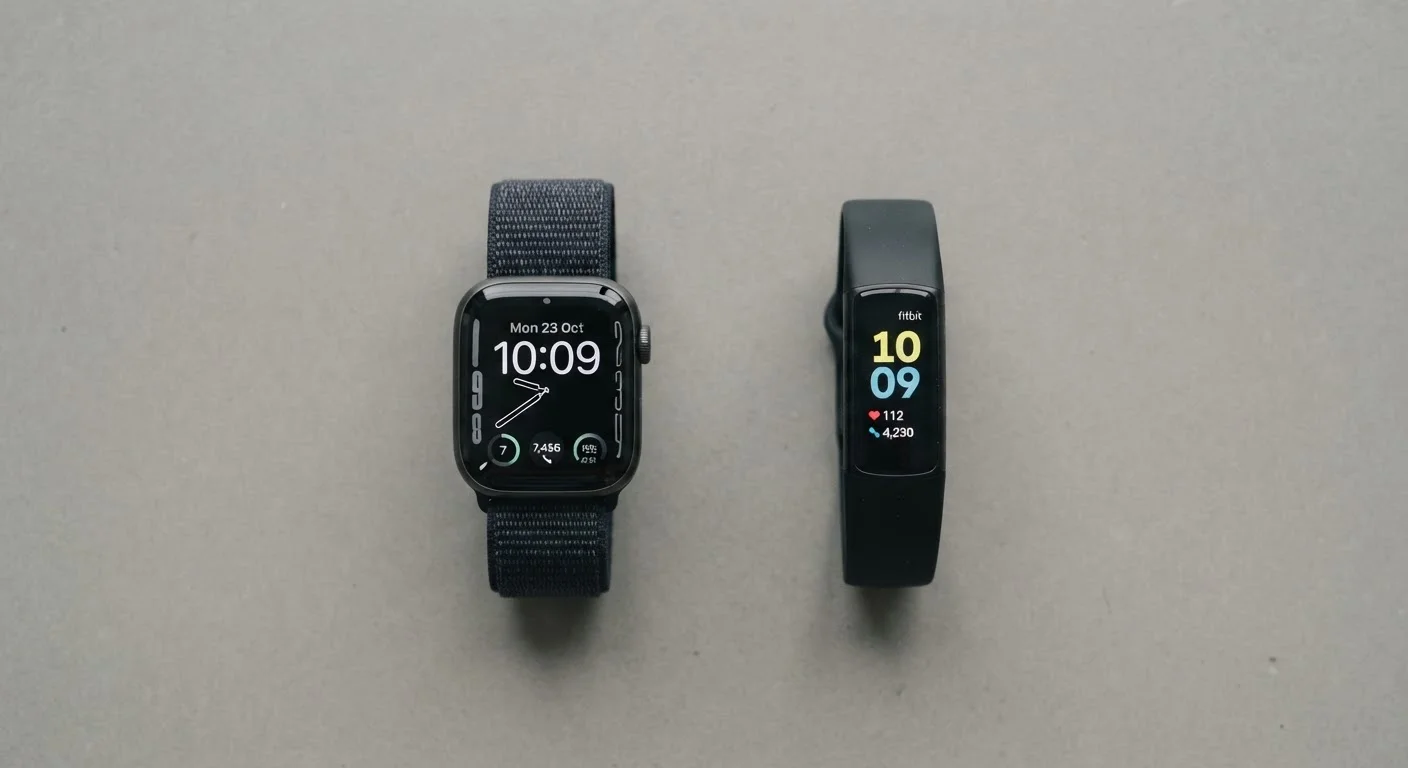
On a store shelf, a smartwatch and a fitness tracker can look nearly identical. Both sit on your wrist, both measure your heart rate, and both sync to your phone. But under the surface, they reflect very different engineering priorities.
A smartwatch is essentially a compact, wrist-worn computer. It runs a full operating system - watchOS, Wear OS, or a proprietary equivalent - capable of installing apps, rendering notifications, and handling voice commands. A fitness tracker (sometimes called an activity tracker) runs simpler, purpose-built firmware optimized for one job: recording movement, sleep, and biometric signals as efficiently as possible. For a broader framework on how to approach this kind of comparison, see key questions for comparing devices across categories.
| Smartwatch | Fitness Tracker | |
|---|---|---|
| Operating system | Full OS (watchOS, Wear OS, etc.) | Purpose-built firmware |
| Typical battery life | 1-2 days | 5-14 days |
| GPS | Usually onboard | Often connected (phone-based) |
| Third-party apps | Yes, via app store | Rarely or none |
| NFC payments | Common | Rare |
| Heart rate sensor | Optical PPG | Optical PPG |
| ECG / advanced cardiac | Available on select models | Uncommon |
| Notification handling | Full (reply, dismiss, act) | Display only |
| Primary data focus | Broad (health + productivity) | Narrow (activity + sleep) |
| Relative complexity | Higher | Lower |
Sensor Arrays: What Each Device Actually Measures
Both device types use an PPG optical sensor - a light-based method that detects blood volume changes in the wrist to estimate heart rate. Beyond that shared baseline, the sensor packages diverge.
Smartwatches commonly add: a dedicated GPS chip for standalone location tracking, an altimeter or barometer for elevation data, an electrodermal activity sensor for stress estimation, and in some cases an electrical heart sensor for single-lead ECG readings. Many also include the NFC radio needed for contactless payments - a technology explained in detail in our guide to Bluetooth, Wi-Fi, NFC, and UWB.
Fitness trackers tend to include fewer sensors by design. A typical model pairs optical heart rate with an accelerometer and sometimes a SpO₂ (blood oxygen) sensor. GPS, if present, is often "connected GPS" - borrowing the signal from a paired phone rather than an onboard chip - which saves power but limits standalone tracking. The tradeoff is meaningful battery life: fitness trackers regularly achieve five to fourteen days per charge compared to the one-to-two-day typical range for feature-rich smartwatches.
Check Whether GPS Is Onboard or Connected
When evaluating a fitness tracker's GPS capability, look for the distinction between "built-in GPS" and "connected GPS." Connected GPS relies on your smartphone's location signal, meaning you must carry your phone on runs or rides to get accurate route maps. Onboard GPS works independently. This single spec can significantly affect real-world utility for outdoor athletes.
Software Ecosystems and Data Depth
Hardware differences are only half the story. The software layer determines how raw sensor data becomes actionable information.
Smartwatch operating systems support third-party apps - workout coaches, navigation tools, meditation timers - and can surface data from multiple health domains in a unified dashboard. They integrate tightly with smartphone platforms, meaning calendar events, messages, and app alerts arrive on the wrist. For readers curious how the underlying smartphone hardware enables this integration, our explainer inside your smartphone's chips and sensors covers the relevant components.
Fitness trackers push data to companion apps - typically proprietary platforms - where algorithms compute sleep stages, recovery scores, and trend analyses over weeks and months. The narrower focus can actually produce better longitudinal data in a few areas: because the device is worn around the clock (aided by its longer battery), sleep and resting heart-rate baselines are more consistently captured.
Neither ecosystem is universally superior. The question is whether you want a generalist wrist computer or a dedicated biometric logger. If your interest is primarily in building consistent movement habits, the Fitness & Movement hub provides context on how tracked metrics connect to real-world activity outcomes.
~1-2 days
Typical smartwatch battery life
Feature-rich smartwatches with always-on displays and GPS commonly require daily or every-other-day charging.
5-14 days
Typical fitness tracker battery life
Reduced processor load and fewer active radios allow most fitness trackers to last significantly longer between charges.
PPG
Shared heart-rate sensing method
Both device types use photoplethysmography - optical light reflection - as the primary method for wrist-based heart rate estimation.
Choosing Based on Your Actual Use Case
The clearest way to decide is to rank your priorities before evaluating hardware. Consider the following:
- Communication and productivity on the wrist: If you want to reply to messages, accept calls, or run apps independently of your phone, a smartwatch is the appropriate tool.
- Focused health and fitness logging: If your primary goal is tracking steps, sleep quality, and heart-rate trends over time with minimal friction, a fitness tracker delivers that without added complexity. Pairing that data awareness with everyday movement strategies - not just gym sessions - can be informative; see the case for moving more without joining a gym for context.
- Battery tolerance: If you travel frequently or find daily charging inconvenient, fitness trackers hold a meaningful practical advantage.
- Budget considerations: Smartwatches carry higher prices on average due to their more complex processor, display, and radio components. Fitness trackers occupy a wider range of price points, including very affordable options with capable sensor sets.
Neither category is a replacement for professional medical assessment. Wrist-based optical sensors provide useful trend data, but they are not clinical-grade diagnostic tools. If any health reading concerns you, consult a qualified healthcare professional rather than relying on wearable data alone.
Wearable Health Data Has Real Limits
Heart rate, SpO₂, and stress readings from consumer wearables are wellness indicators, not medical diagnostics. Sensor accuracy varies based on skin tone, wrist placement, movement artifacts, and device quality. Do not use wearable readings to self-diagnose or make treatment decisions. Always consult a qualified healthcare professional if you have concerns about any health metric.